Configure the peripherals attached to the PDP‑11. Structural changes
are committed with the "Apply" button, which restarts the machine so the
emulated hardware matches the configuration. Others apply immediately.
Console terminal
The machine's operator console. Switching it rewires tty0,
so the page reloads on Apply.
Teletype print width
A Model 33 ASR is at most 80 columns; the
wider 100/132 widths are for the LP11 printer.
Teletype speed
A real Model 33 ASR runs at 110 baud, about 10 characters
per second: that is the authentic pace, and booting 2.11 BSD at it prints for a very
long time. 33 chars/sec is an accelerated mode for working. Applied immediately.
Upper Case Only
A real Model 33 ASR only prints upper case. Off by default
so lower case passes through (e.g. 2.11 BSD). Applied immediately.
Force PDP Output Uppercase
A real Model 33 ASR has no lower-case type, so the paper shows
A-Z while the punched tape keeps the code the machine sent. On by default. Applied
immediately.
User terminals
The console above is tty0; these are the extra
terminals, each on its own sidebar page. TT2 needs TT1.
Line printer (LP11)
Printer width
VT11 graphics display
DEC VT11 vector graphics terminal on its own Display page.
VT100 key click
Applied immediately.
VT100 phosphor
Only a VT100 takes this: the VT52 was never sold in another
phosphor and stays white. Applied immediately.
VT52 reverse video
Authentic DECscope mode: black text on a white/grey screen. Applied
immediately.
CRT effects
Pure CSS CRT simulation: brightness flicker, scanline shimmer and a
vertical-hold roll band. Applied immediately.
Machine hum
Applied immediately; on its own audio channel so the teletype and terminal
sounds stay clear.
Photo backdrop
Applied immediately; you can turn the backdrop off.
Reboot confirmation
Applied immediately. When disabled, the REBOOT button restarts the machine
without warning.
Help Me! sticker
Applied immediately. The Help Me! button on the Panel page toggles the
hand-written bootstrap sticker and persists the same setting here.
Machine power
Applied immediately. When off, the PDP-11 is powered down (POWER LOCK in
OFF); turn it on to run. Toggling the POWER LOCK on the Panel page
updates this setting too.
Boot device
The emulated Boot ROM socket: what the machine does on its own after
power-on. None leaves it idle (use the Bootstrap now! button on the Panel page);
Interactive loader starts the built-in loader (the @ prompt); Last medium repeats
the guest OS or disc loaded most recently from the gallery, Games or a teleport
link. Applied on the next power-on.
First-run hint
Replays the welcome overlay with the quick-start boot suggestions on the
next launch.
VT52 text mode
Development aid: renders VT52 terminals as a text field, giving native
text selection and Windows Clipboard (Ctrl+C / Ctrl+V / right-click
paste) for fast source-code entry. Loses SGR attributes
(bold/underline/reverse). Applied immediately.
Defaults
Fills the form with factory values; press Apply to commit.
Apply changes
Commits all pending changes at once.
Structural changes (console, terminals, printer) restart the machine.
Storage
Manage storage media: load a paper tape, import disk or tape images by
drag & drop, and unmount mounted images.
Import image
⇩Drop or pick a file.dsk .tap .ptap .zst
Mounted images
0 imagesUnmount takes the selected image out of the
machine and keeps it in browser storage (it is back on the next launch).
Delete image erases it from this browser, guest writes included — only
images you imported can be deleted, because bundled media is streamed from
the server again.Pick an image, pick a drive and press Bind (e.g. rp1.dsk
→ RP1); choose "— not bound —" to detach and return the drive to the
file-name convention. An image whose size does not fit the controller is refused unless you
press "Assign anyway". Mounted images persist across sessions; a bound drive is shown as
"image → DRIVE".
Export image
Download the selected image (guest writes included) to your
machine. Only images with something to save are listed — one the guest has written
to, or one you mounted yourself; a pristine bundled image is marked
"· nothing to export" in the list above.
Persistent disk changes
Guest-OS writes are saved to browser storage and overlaid on the base
image on the next launch. Reset discards the saved changes, returning the image to its pristine
state.
Paper tape reader file
No tapeLoaded as name.ptap from the media directory. Dropped
.ptap files also appear here. Rewind restarts the tape.
Import paper tape
⇩Drop or pick a tape.ptap .ptap.zstDropped tapes are added to the reader file list above.
Export paper tape
0 bytesDownload the punched paper tape (.ptap) to your machine.
This is a PDP‑11/70 emulator that just works out of the box — no
plugins, no downloads, no configuration. Just run it and you're
standing in front of a DEC minicomputer.
Every switch, LED, and rotary knob faithfully recreated. Toggle in a bootstrap loader the way DEC
engineers did in the 1970s.
Model 33 ASR Teletype
A fully animated Google60-style teletype connected as the operator console — complete with paper
printing, keypunch sounds, and line-feed whirs.
Authentic LP11 Line Printer
A faithful recreation of the DEC line printer that stood beside real PDP‑11s — beige/grey cabinet,
fanfold paper, ON LINE lamp and TOP OF FORM / PAPER FEED controls, printing at a near‑authentic
~300 lines/min. The accumulated job can be handed to your real printer via the system dialog
(Print) or exported as a .txt file — hardcopy, just as it left the machine room.
VT52 Terminal
A DECscope VT52 terminal (TT1:) rendered on canvas, for guest OSes that prefer video terminals.
VT11 Display
An optional DEC VT11 vector-graphics display processor on its own green-phosphor CRT page, enabled from
the CONFIG page.
Bootable Media & Quick Boot
Boot Unix V5, BSD 2.9 & 2.11, ULTRIX-11, RSX-11M (3.2 & 4.6), RSTS/E (4B-17 through 10.1), RT-11
and XXDP diagnostics — fifteen bootable disk and tape images, plus the paper-tape reader for the
self-building bootstrap and for programs like BASIC-11 and Lunar Lander.
Persistent Disk Images
All disk and tape images are preloaded. Changes to disk contents persist in browser storage across
sessions.
Paper Tape Reader
Load BASIC‑11, ODT‑11, ED‑11, or Lunar Lander from simulated paper tape.
Quick Start
In a hurry? Use the magic wand button pinned to the top-right
corner of the Panel page — it does it all in one click: picks a
guest OS, reconfigures the machine, reboots it, and types the boot (and
login) for you. The manual walk-through below follows the same route.
Open the PDP‑11/70 emulator.
At the @ prompt, type boot rp1 and press ENTER.
BSD 2.11 will autoboot into multiuser mode. Login as root (no password).
Try ls, ps -aux, df — or compile a C program with cc.
Switching pages
Use the sidebar to switch between:
Panel — the front panel with switches and LEDs
Teletype — the Model 33 ASR teletype console
VT52 — the DECscope VT52 video terminal
Display — the VT11 vector-graphics CRT terminal (shown only when configured)
Info — detailed instructions and OS reference
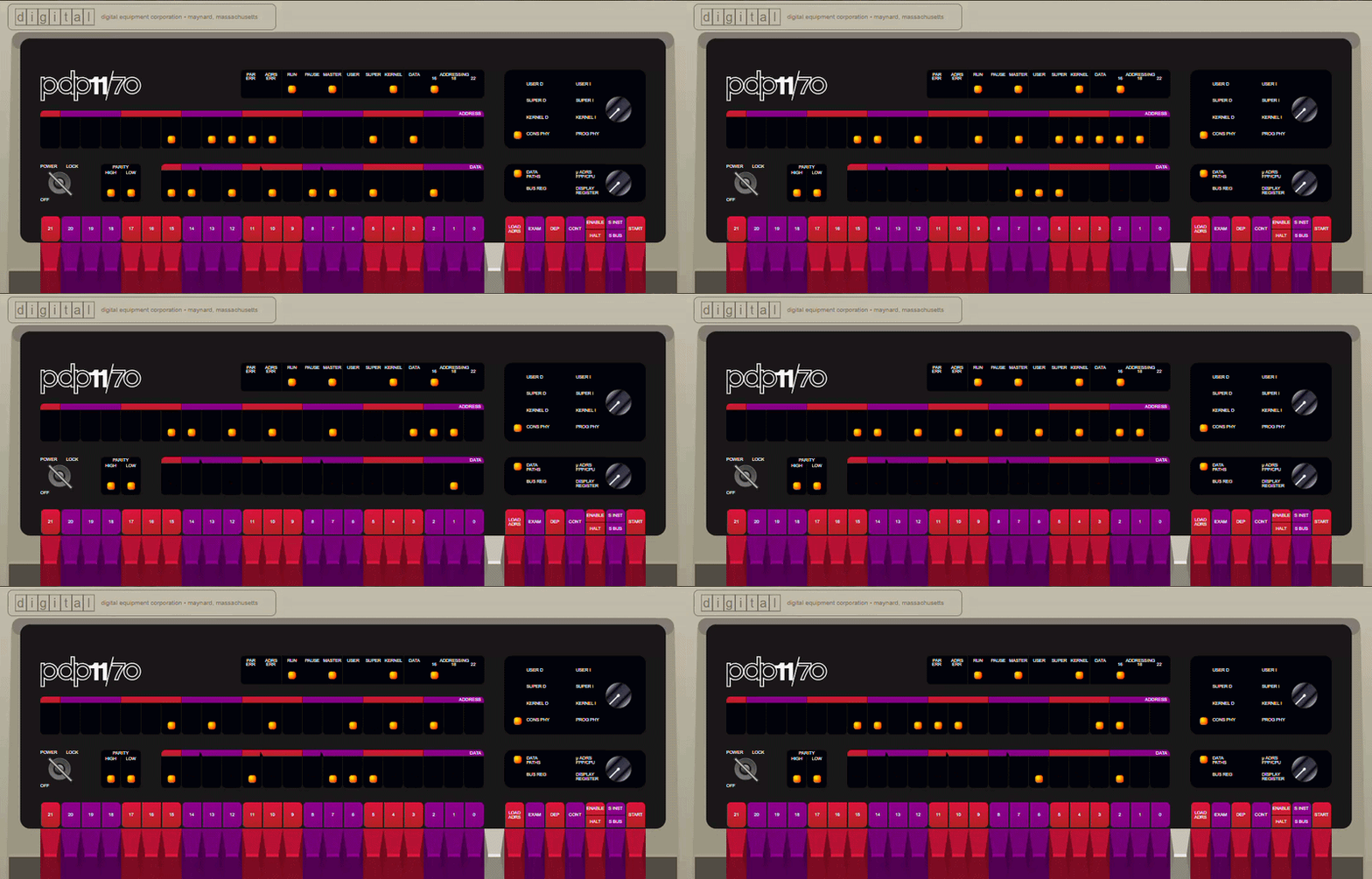
A simple light chaser
Toggle this into the front panel to see the address and data LEDs dance:
The emulator ships with ready-to-boot disk and tape images. Just type boot
at the @ prompt.
Disk
Operating System
How to Boot
RK0
Unix V5
boot rk0 → unix → login as root
RK1
RT‑11 v4.0
BOOT RK1
RK2
RSTS V06C‑03
BOOT RK2 — login 11,70 password PDP
RK3
XXDP (diagnostics)
BOOT RK3
RK4
RT‑11 3B Distribution
BOOT RK4
TM0
RSTS 4B‑17 (tape)
BOOT TM0 — follow ROLLIN restore procedure
RL0
BSD 2.9
boot rl0 → rl(0,0)rlunix → CTRL/D → login root
RL1
RSX‑11M v3.2
BOOT RL1 — login 1,2 password SYSTEM
RL2
RSTS/E v7.0
BOOT RL2 — login 11,70 password PDP
RL3
XXDP (extended)
BOOT RL3
RP0
ULTRIX‑11 V3.1
boot rp0 → CTRL/D → login root
RP1
BSD 2.11
boot rp1 — autoboots to multiuser, login root
RP2
RSTS/E v9.6
BOOT RP2 — answer prompts, login 11,70
RP3
RSX‑11M v4.6
BOOT RP3 — auto-logs 1,2 SYSTEM
RP4
RSTS/E v10.1
BOOT RP4 — answer prompts, login 11,70
Example boot of Unix V5
Boot> boot rk0
@unix
login: root
# who
root tty8 Mar 21 12:09
# cat /etc/passwd
root::0:1::/:
daemon::1:1::/bin:
bin::3:1::/bin:
# cat > hello.c
main()
{
printf("Hello world\n");
}^D
# cc hello.c
# a.out
Hello world
#
Acknowledgments
This project stands on the shoulders of giants.
Paul Nankervis — Original PDP‑11 Emulator
Paul wrote the original pdp11-js emulator, which this
repository is forked from. His meticulous work — cycle‑accurate CPU emulation, beautifully rendered front
panels, and a meticulously curated collection of vintage operating systems — made this project possible.
"I met my core objective — I can now see the RSTS/E console light pattern that I was looking for." — Paul Nankervis
The Model 33 ASR teletype emulation is adapted from Google60 by
Norbert Landsteiner of mass:werk. Google60 is a brilliant
simulation of the Google search interface as it would have appeared on a Model 33 ASR Teletype in the
1960s/1970s. Norbert's meticulous implementation — from the 3D keycaps to the paper advance animation and
authentic sound effects — brings the teletype to life.
Operations here destroy the machine state yaPDP has saved and leave the
emulator as it was delivered. Close returns to the operations without
touching anything.
System reset
Stops the machine and then performs, in order:
Saved machine states, imported images and the guest's own disk writes
are destroyed for good. The configuration returns to its factory
defaults. There is no undo.